Dashain 2083 Holiday Notice!

Training of WordPress In Nepal
Training of WordPress Web Development in Kathmandu, Nepal




Thousands of students have started their careers after getting certified by Broadway Infosys
Updated On: 26/04/2026
Created On: 05/09/2017
Course Overview
Broadway Infosys offers one of the most popular training in WordPress courses in Nepal considering the increasing global demand of skilled WordPress developers for developing various websites such as travel portals, news portals, corporate websites and blogs and so on. In recent times, WordPress training has become the most sought training course in Nepal because of the wider scope of career opportunities it provides for professional WordPress developers.
Tools Covered
Some of the major industry-relevant tools you'll work with in this course include:
-
WordPress
-
WAMP / XAMPP
-
MySQL
-
HTML / CSS / JavaScript
-
PHP
-
SEO Plugins
-
Security Plugins
-
FTP Client
What Our Students Say About WordPress Training

Prabin Manandhar
Training of WordPress
Both the Teacher and Broadway Infosys are like unforgettable parts of my life, which made me understand me myself and the part I had to gain to achieve mine goal.I had great time learning, I did enjoy in Broadway, Friendly teachers, and...

Abdul Aziz Miyan
Training of WordPress
Instructor is best in his profession.He is the well-experienced teacher and answered all question raised by students. Nice work of Broadway Infosys Nepal.

Rabin Gurung
Web Design Training
Thank you very much Broadway Infosys Nepal, I have been several IT academic to Learn some of the Programming languages. But that was not enough for me and also I search again Best IT Academic then I found Broadway Infosys...
Students who got hired learning with us
Hear from graduates who have completed our courses.
College/Faculty: Islington College / Bsc. Computing
Working At: Supreme IT Solutions Pvt. Ltd.
Position: React Developer
College/Faculty: Lalitpur Engineering College / BCA
Working At: Kitab Yatra Pvt. Ltd.
Position: Front - End Developer
College/Faculty: Shankar Dev Campus / BBS
Working At: Broadway Infosys
Position: Account Assistant
College/Faculty: Orchid International College / BCA
Working At: Information Care Pvt. Ltd.
Position: Quality Analyst (QA)
Our graduates are hired by 470+ companies in Nepal
Time for you to be the next hire. With our advanced and industry relevant courses, you are on the right stage to start your dream career.
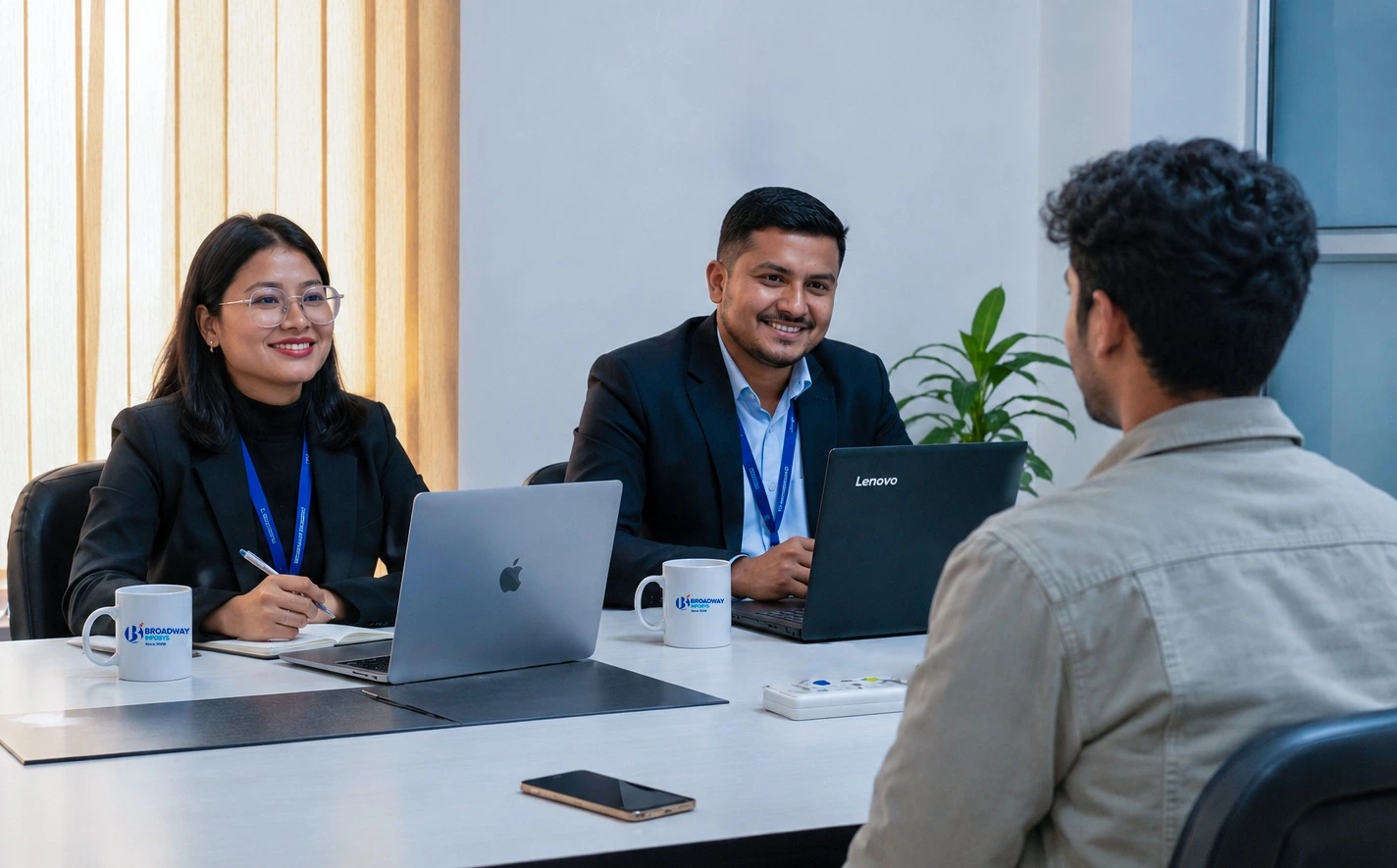
Earn a High Value Industry Certificate
Add this credential to your LinkedIn profile, resume, or CV to stand out to recruiters.
Already earned a certificate?
Verify it here
Our syllabus outlines are only the headlines of the major modules. To ensure a complete understanding of the course, we offer free counseling. Also, if you have specific modules in mind, you can customize the course. Send your inquiry today!
Lesson 1:
Foundation of WordPress based website
- Relevancy of WordPress Framework
- History and Introduction of WordPress
- Discussion on prerequisites for WordPress Developers
- Installation of WordPress on WAMP/XAMP servers
- Understanding WordPress Dashboard
- Default WordPress Setting Overview
- Default WordPress Themes
- Default User Role
- Permalinks
- Widgets
- Sidebars
- Post
- Page
- Categories
- Comment
- Media
- Menus
- Templates
- Featured Image
- Appearance
- Header Design
- Background Design
- Footer Design
- Sidebar Design
- Editor
- User Role
- Practice using Free and Premium Readymade Theme
- Installing and customizing the theme using all default settings
- Customizing templates
- Customizing widgets
- Customizing appearances
- Overview of file structure of WordPressM
- More in Details about wp-content->Plugins/themes/uploads
- Creating custom theme
- Modifing theme files such as page.php, single.php, content.php, functions.php, header.php, footer.php, style.css, search.php and others.
- Creating custom template
- Creating custom widgets
- Creating external css file
- Handling external js file
- Overview of WordPress Database Structure
- Tables for options
- Tables for user-level access
- Tables for post and meta-post
- Understanding post-type declaration
- Working with html into WordPress site
- Organizing post, page, categories, templates, menus, links (internal/external), comments, widgets, search boxes as per requirement
- Managing default as well as external css file
- Implementing js files into custom theme
- Core WordPress Custom Plugin Development at backend
- Understanding Plugin for custom post type
- Understanding Plugin for admin columns
- Understanding Plugin for advance fields
- Understanding Plugin for customizing WordPress Dashboard
- Custom Plugin Development using WordPress Plugins
- Submission of Individual WordPress Site with Relevant CMS
- Tips and Tricks for troubleshooting
- Fast and adequate code managing
- Plugins for CMS customization
- Plugins for SEO
- Plugins for Security level access
- Database maintenance for live implementation
- User level permission to all needed folders and files
- Troubleshooting live wordpress sites
- Final Project

Photoshop Training

Graphics Design Training
Javascript & Jquery Training


Web Design Training

Vue.js Training

Laravel Training

Laravel with Vue js Training

PHP with Laravel Training

PHP Training
Why Training of WordPress?
Website Development Skills: Learn WordPress to create, manage, and customize professional websites without starting from scratch.
Theme & Plugin Development: Learn to customize themes, use plugins, and add features based on website requirements.
Content Management: Efficiently manage pages, posts, media, menus, and other website content.
Practical Website Projects: Build real websites to apply your skills and gain hands-on experience.
Business & Personal Websites: Learn skills useful for creating portfolios, blogs, business websites, and online platforms.
Learning Resources: Access useful training materials and resources to support your WordPress learning.
Dedicated Labs & Servers: Practice WordPress development in dedicated labs with server access for hands-on learning.