Overview
Package Setup Feature like see, plus2 (Course Collection)
With the ability to create a customized Package setting(course setting for SEE,Plus2), incorporate a success gallery, assign FAQ and Expert Says, as well as create unique URLs for both SEE and additional landing pages such as +2 etc... , along with customizable settings for normal or landing pages, you can create a truly sweet and personalized learning experience.
Click HERE
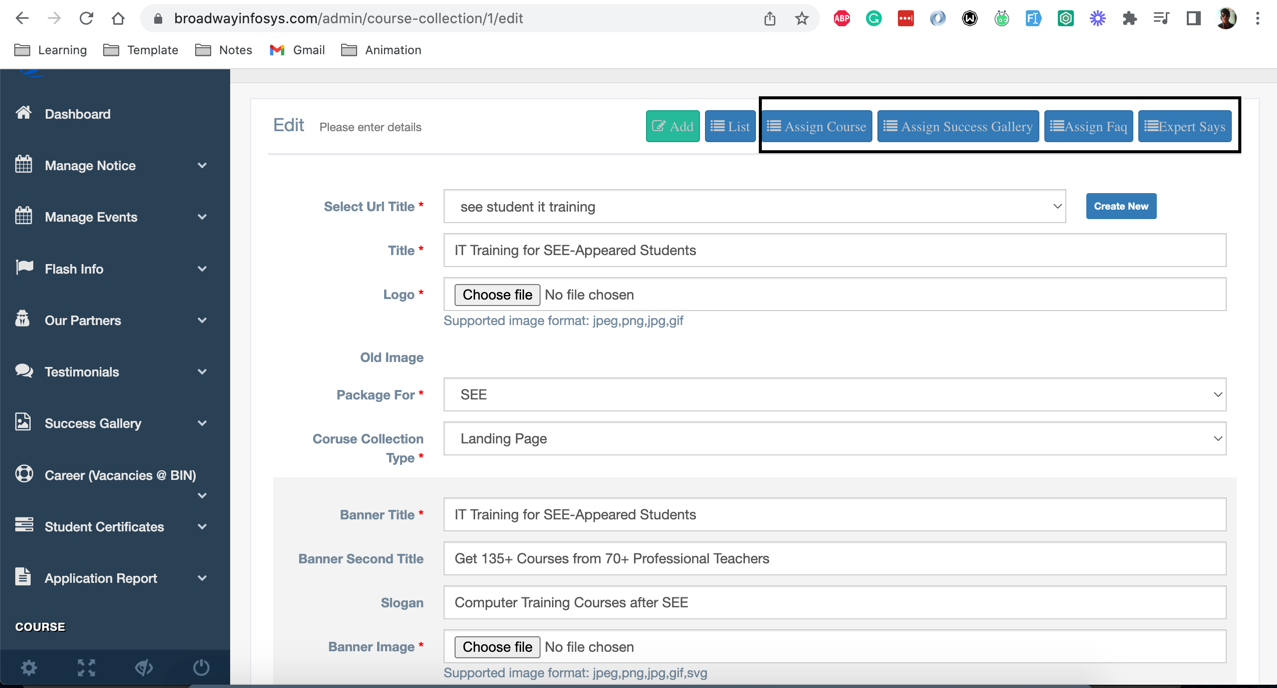
Feature List
- Able to Create New setting (in existing slug) as well as create new setting with unique slug
- Able to assign Course, Success Gallery, faqs and Experts says
Process Step
- First Create package (Course Collection) EG:- SEE or plus2
-
Create Course for this package click HERE
Note:- Select package SEE or plus 2 under
Is Link to Course Collectionsection if this course is not for package (course collection) then leave it as it is.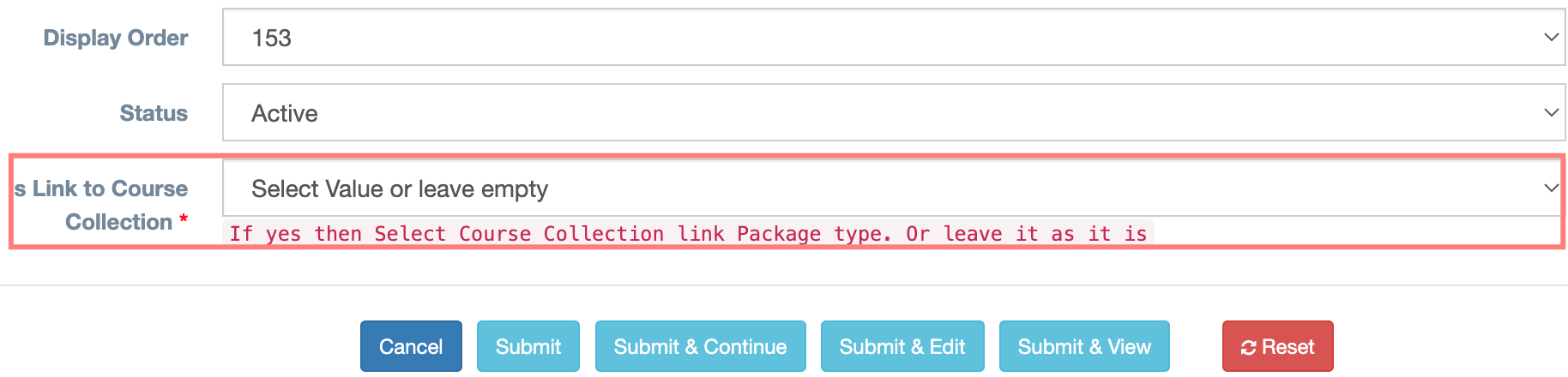
- Now add this course to enquiry courses click HERE
Note:- add course inCourses Enquiry Listsection fromCourses By Excluded List. - Now this course is available for (feature course, enquiry course, popular course, running course , etc...)