Dashainko Dakshina: 18% OFF on All Courses!

IT Support Technician Course in Nepal
Build, Configure, Troubleshoot: Everything You Need to Start Your IT Support Career




Thousands of students have started their careers after getting certified by Broadway Infosys
Updated On: 31/12/2024
Created On: 17/06/2022
Course Overview
The IT Support Technician Program at Broadway Infosys is a hands-on course that trains complete beginners for real-life roles in IT support, from help desk to field service to network technician.
The course blends computer hardware, networking, operating systems, and cybersecurity into one structured learning path, split into a foundation phase and an applied phase. It starts with the basics like how a computer works, core hardware components, and professional customer communication, then moves quickly into live-lab practice. In that part, you assemble a working desktop PC from individual parts, configure BIOS/UEFI, build and test a full SOHO network with real cabling, and get hands-on with tools like multimeters, crimpers, cable testers, and Wi-Fi analyzers.
You'll experiment in Windows, Linux, and macOS. You'll use a logical process to determine real-world hardware and network errors and practice fundamental security with MFA settings, securing desktops, and even Malware removal. Ultimately, you'll know how to build a PC, set up a network, or be able to respond to an actual support ticket from start to finish; you won’t just be taught how.
Tools Covered
Some of the major industry-relevant tools you'll work with in this course include:
-
Windows
-
Linux
-
Windows Command Line
-
PowerShell
-
Device Manager
-
Disk Management
-
Event Viewer
-
Virtual Machines / Hypervisors
-
Wi-Fi analyzers
-
Cable testers
Students who got hired learning with us
Hear from graduates who have completed our courses.
College/Faculty: Medhavi College / BCIS
Working At: Galli Pet Store
Position: Full-Stack Developer
College/Faculty: Newton International College / Social Work
Working At: Skill Sewa
Position: Graphics Designer
College/Faculty: Orchid International College / BSc. CSIT
Working At: Ap1 HD Television
Position: IT Assistant
College/Faculty: CITE / BCA
Working At: Ultrabyte International Pvt. Ltd.
Position: Front-End Web Developer
Our graduates are hired by 470+ companies in Nepal
Time for you to be the next hire. With our advanced and industry relevant courses, you are on the right stage to start your dream career.
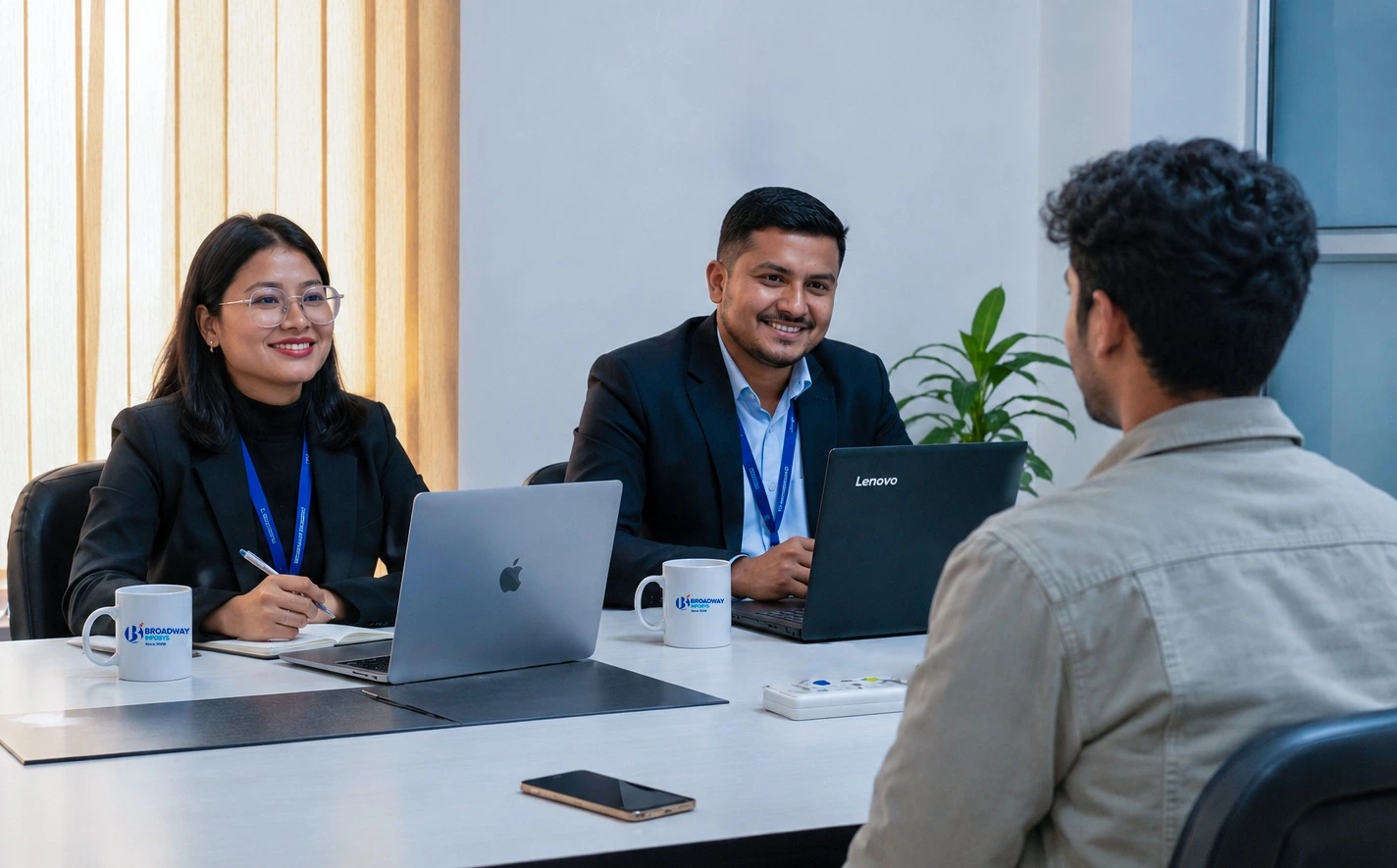
Earn a High Value Industry Certificate
Add this credential to your LinkedIn profile, resume, or CV to stand out to recruiters.
Already earned a certificate?
Verify it here
Frequently Asked Questions
- No prior IT or technical background needed, built for complete beginners
- Starts from the fundamentals (how a computer actually works) before moving into hands-on hardware and networking
- Good fit whether you're starting your first career or switching into IT.
Labs are hands-on, you'll assemble PCs, build networks, and use tools like multimeters, cable testers, and crimpers.
By the end, you'll be able to build and configure a working PC, set up and troubleshoot a small network, work across Windows, macOS, and Linux, and apply core security practices like MFA and malware removal. You'll finish able to handle a real support ticket start to finish, just like the final project.
The training prepares you for roles like help desk technician, field service technician, network technician, or general IT support/desktop support positions.
You'll have certified instructors and hands-on lab access throughout, with guidance on troubleshooting exercises, labs, and real-world simulations, not just lecture-based learning.
Yes. Depending on your requirements, you can discuss suitable schedules with the training team. One-to-one training and group-based learning options may also be available
Our course is available in hybrid training mode. You can attend classes in person or join online, whichever works best for you. If you cannot attend in person on a particular day, you can simply join the class online instead.
The course pricing varies depending on the subject and level. For detailed information on the course price, please contact us directly: +977-9841002000 / +977-1-4111849. Our team will be happy to guide you or send us an email at [email protected].
Our syllabus outlines are only the headlines of the major modules. To ensure a complete understanding of the course, we offer free counseling. Also, if you have specific modules in mind, you can customize the course. Send your inquiry today!
Lesson 1: IT Fundamentals and Professional Foundations
- IT support career paths and what the job actually looks like day to day
- How a computer works: input, processing, output, and storage
- Professionalism, customer service, and communicating with non-technical users
- Introduction to ticketing systems and support documentation standards
Lab: Set up a mock help desk ticket log and practice professional customer communication scripts.
Lesson 2: Computer Hardware Essentials
- Motherboards, CPUs, RAM, and storage devices (HDD, SSD, NVMe)
- Power supplies, cooling systems, and expansion cards
- Cables and connectors: HDMI, DisplayPort, USB, Ethernet, SATA
- Installing and maintaining peripherals: printers, scanners, and external devices
- Full PC assembly and BIOS/UEFI configuration
Lab: Build a working desktop PC from individual parts, configure BIOS/UEFI, install and replace RAM and storage.
Lesson 3: Mobile Devices
- Laptop hardware components and safe disassembly basics
- Mobile accessories: Bluetooth, NFC, and docking stations
- Configuring Wi-Fi, cellular data, and device synchronization
- Common mobile device troubleshooting scenarios
Lab: Diagnose and repair a common laptop hardware fault, configure mobile connectivity settings.
Lesson 4: Networking Fundamentals
- Networking protocols, ports, and wireless standards
- IP addressing basics, DHCP, and DNS
- Setting up a SOHO network: routers, switches, access points, and VPNs
- Networking tools: crimpers, cable testers, Wi-Fi analyzers, and punch-down tools
- Terminating and testing Ethernet cabling
Lab: Build and configure a complete SOHO network, terminate and test Cat6 cable runs.
Lesson 5: Hardware and Network Troubleshooting
- A structured troubleshooting method: identify, test the theory, plan, implement, verify, document
- Diagnosing hardware failures using POST and beep codes
- Diagnosing network connectivity issues
- Using multimeters, loopback plugs, and diagnostic software
Lab: Timed troubleshooting simulations on deliberately faulty hardware and network setups.
Lesson 6: Operating Systems
- Windows installation, editions, upgrades, and configuration
- Windows command line, Control Panel, Settings, Device Manager, Disk Management, Event Viewer
- macOS and Linux fundamentals: file systems, terminal basics, and permissions
- Mobile OS management: iOS and Android updates, app permissions, MDM basics, backups
- Virtual machines and hypervisors as an everyday support tool
Lab: Install Windows in a virtual machine, configure user accounts and permissions, practice Linux terminal commands.
Lesson 7: IT Security Fundamentals
- Malware types and safe removal procedures
- Social engineering and common attack types
- Authentication, multi-factor authentication, and least privilege
- Wireless and SOHO network security
- Hardening workstations and mobile devices, and backup basics
Lab: Configure multi-factor authentication, harden a Windows workstation, walk through a malware removal process.
Lesson 8: Software Troubleshooting and Operational Procedures
- Diagnosing operating system and application issues
- Documentation, change management, and incident response basics
- Workplace safety, environmental controls, and professionalism
- Remote support tools and best practices
Final project: A full help desk simulation, from receiving a ticket through diagnosing, resolving, and documenting a multi-layered hardware, OS, network, and security issue.
CCNA Training
Advanced Cybersecurity Course
CCNP Training
Upcoming Classes (6)
Why IT Support Technician Program?
Hardware Mastery: Assemble, install, configure, and maintain desktop and laptop hardware.
Mobile Device Support: Set up and troubleshoot mobile devices and their connectivity options.
Network Design: Design, configure, and troubleshoot small office and home office (SOHO) networks.
Multi-OS Proficiency: Install and manage Windows, and work confidently with macOS and Linux basics.
Cybersecurity Fundamentals: Apply core practices to protect systems, data, and end users.
Structured Troubleshooting: Diagnose and resolve hardware, network, and software problems using a proven method.
Professional Communication: Communicate with end users and document support work the way employers expect.
Industry Tools: Use multimeters, cable testers, crimpers, loopback plugs, Wi-Fi analyzers, the command line, remote support software, and ticketing systems.
Quick Inquiry
Choose class schedule(s)
-
26 Oct 2026
-
02 Nov 2026
-
16 Nov 2026
-
17 Nov 2026
-
22 Nov 2026
-
23 Nov 2026